




















Move your whole SET/KST to your new model.
Set Migrator converts a SET/KST to another model in one go. You choose what to move and answer the open questions; Set Migrator calculates whether it fits before it writes, and reads back and validates the result after writing.
- Seven steps from SOURCE to VALIDATE
- The source SET/KST does not change
- Rolled back if interrupted
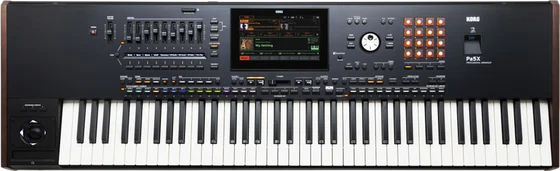 Pa5XPA5X.KST · 412 ITEMS● READ ONLY
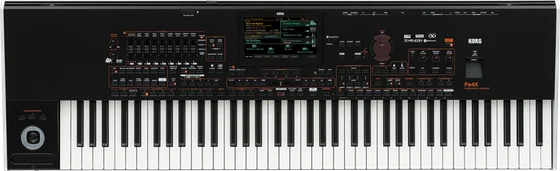 Pa4XNEW.SET · STAGINGWAITING
Seven steps, and each one can be checked.
Each step comes with a short screen recording; the recordings are 15–20 seconds long.
Source SET/KST and target model.
Choose the SET/KST to convert, then the target model and its memory option. The result is written to a new SET/KST or to an existing one.
- Pa1X, Pa2X, Pa3X, Pa600, Pa4X, Pa1000 and Pa5X can be source or target
- The target model’s RAM option is taken into account
- Writing to a new empty SET/KST or to an existing SET/KST
You choose what is carried.
Mark what to move on the StyleStyleThe accompaniment: Intro, Variation, Fill, Break and Ending elements, each with Drum, Percussion, Bass and ACC1–ACC5 tracks. Not only a drum pattern.Stored in: .STY · .stg, Keyboard SetKeyboard SetStores the Upper 1–3 and Lower sounds with their mixer, effects and keyboard settings. The Pa4X, Pa1000, Pa700 and Pa5X use this name; earlier generations have the Performance, and the two are not identical.Stored in: .ksc / PerformancePerformanceOn the Pa3X and earlier generations, stores the keyboard sounds and settings. The Pa4X generation and the Pa5X use the Keyboard Set for this; the two are not identical.Stored in: .PRF, Pad, SoundSoundA playable program built from one or more oscillators (multisamples) with filter, envelope and effect settings. Styles, the keyboard and pads call it by bank and number.Stored in: .PCG, Drum KitDrum KitA special Sound with a separate drum or percussion sample on every key. The Style's Drum and Percussion tracks play it.Stored in: .PCG, Multisample and Voice Preset pages. A selected Style automatically takes its own Sounds, Drum Kits and Multisamples along.
- Size and sample count on every row; unused content and content with missing references are tagged
- A mode per row: CARRY, REMAP, THIN or SKIP
- KEYS for Drum Kits: the Drum Kit moves whole or with only the keys the Styles play
- Sounds and Drum Kits that no Style uses can also be selected and moved
Only what really needs asking.
Set Migrator measures your selection and asks only the questions the conversion reads. The content each question affects is given in numbers.
- Factory Sounds whose name does not exist in the target: point to the closest Sound or keep the number
- A Style version the target cannot read: rebuild or skip
- References and samples already missing in the source are reported as information
- The Drum Kit bank limit and effect numbers are reported, not asked
Every answer is calculated before anything is written.
Sample memory and sample count are compared with the target’s two limits. The result of each option is shown in MB and sample count before you choose.
- KEEP: samples as they are
- COMPRESS: compression on targets that play compressed samples
- THIN and OPTIMIZE: multisample thinning; no note moves more than 4 semitones from its sample root
- REMAP: point Sounds with samples to factory Sounds; shared samples are counted once
A last look before writing.
All decisions, the content to be written to the target and the memory result on one screen. Content that does not fit the target’s banks is counted.
- Every answer you gave and its effect
- Content that fits and does not fit, by the capacity of the target banks
- Everything that will not be carried, by name
Writing you can roll back.
The conversion is first written to a temporary folder. On ABORT or an error, nothing reaches the target; when writing to an existing SET/KST, a backup is taken first.
- Live log: what was done for each Style, Sound and Sample
- ABORT or an error: what was written is rolled back
- Backup before writing to an existing SET/KST
- Nothing is written to the source SET/KST
The result is read back from scratch.
The converted SET/KST is read back from the start and compared with the source. It also checks that the source has not changed.
- A new missing reference is marked as FAIL
- ROM multisamples with no equivalent on the target are not guessed; they are reported
- Gaps already present in the source are shown separately
Every answer is calculated before anything is written.
Sample memory and sample count are compared with the target’s two limits. The result of each option is shown in MB and sample count before you choose.
Drawing · sample values, the real limits come from the model catalogueFrom Pa5X and to Pa5X.
Converts Pa5X KSTs to classic SETs, and classic SETs to Pa5X.
- Styles with TracksTrackOne of the Style's Drum, Percussion, Bass and ACC1–ACC5 accompaniment tracks. Not the same as a MIDI channel (1–16)., Style ElementsStyle ElementOne of the Style's Intro, Variation, Fill, Break or Ending elements. Each element holds its own tracks and Chord Variations (CV). The number of elements depends on the model., mixer, effects and EQ; Count-In ↔ Intro 3
- Keyboard Set ↔ STS and Performance
- Pa5X user Sounds and Drum Kits to a classic model
- Classic SongBook → Pa5X: songs, Style links and Set Lists
Pa5X · KSTPa4X · SET- Count-In→Intro 3
- Keyboard Set→STS · Performance
- User Sound · Kit→PCG · classic version
- Set List→SongBook
- Mixer · FX · EQ→Mixer · FX · EQ
Sounds in the target’s own format.
Sounds, Drum Kits, Multisamples and Samples are rewritten in the target model’s version. Factory Sounds are matched by name; a Sound with no counterpart is not replaced by a guess.
- A Sound in the GM bank stays in the GM bank, at its own number
- REMAP: the closest factory Sound by instrument type
- Samples keep their sample rate; loop and One Shot settings are carried
- Drum Kit keys are shifted to the target’s layout
And everything around the Style.
Performances, Voice Presets, Quarter Tone presetsQuarter Tone presetOn the instrument: Quarter ToneA preset of quarter-tone pitches, chosen with the panel buttons and changed while you play.Stored in: .QTP and Chord SequencesChord SequenceA recorded chord progression that drives the Style. Kept inside the Style on the Pa4X generation and in its own file on the Pa5X.Stored in: .STY · .csc are converted too, each as far as the target model supports it.
- Performance and Keyboard Set files, with the Sounds of their parts
- Voice Preset: converted Pa3X ↔ Pa4X, copied as is Pa1X ↔ Pa2X
- Quarter Tone presets, Chord Sequences with their Style
- Everything unsupported is named in the report
What changes on the target is listed first.
When you pick the target model, the TARGET step lists the differences between the two generations row by row: what goes as is, what is mapped, what is rebuilt, what stays behind. The figures come from the model catalog and measured tables; what depends on your selection is counted after CONTENT.
- Direction: down or up a generation; newer styles are rebuilt at the style version the target reads
- Intro 3, Ending 3 and Count-In exist only on 15-element models; they are mapped by rule
- On a target that cannot play compressed samples, samples are written linear and take about twice the RAM; on one that can, 2:1 compression is optional
- Styles per bank, user kit capacity, FX numbers, Performance ↔ Keyboard Set and the SET or KST container
- Style version: rebuilt in the version the target readsREBUILT
- Intro 3, Ending 3, Count-In: only on 15-element modelsMAPPED
- Compressed samples: 2:1 can be chosen if the target plays themAS IS
- Styles per bank and user drum kit capacityMAPPED
- FX numbers: to the target's catalogueMAPPED
- ROM multisamples with no match on the targetSTAYS · REPORT
- SET or KST containerREBUILT
Your SET stays safe.
The whole Pa series, both ways.
Set Migrator works with the 16 model families in the app’s model catalogue, including editions such as Pro, Musikant, Oriental, SE and LE. See what a direction carries in the compatibility table on the home page.
- NOT A TARGET
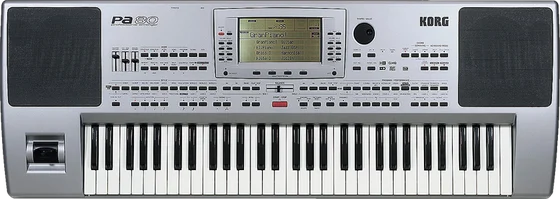 Pa80
- NOT A TARGET
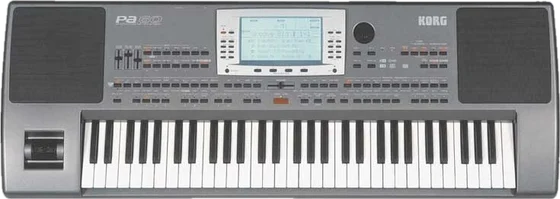 Pa60
- NOT A TARGET
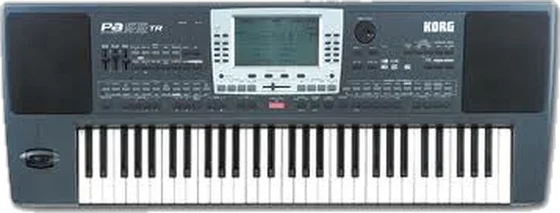 Pa55
- NOT A TARGET
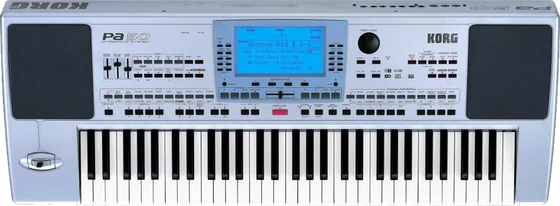 Pa50
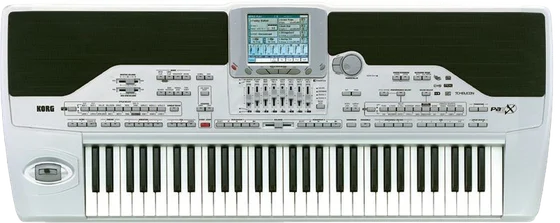 Pa1X
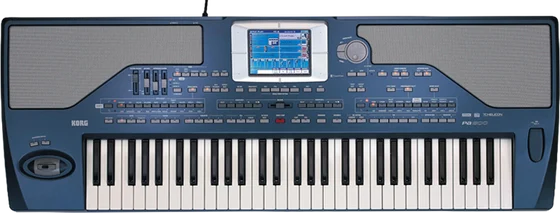 Pa800
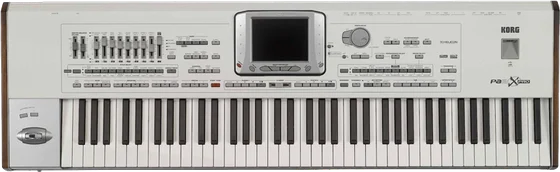 Pa2X
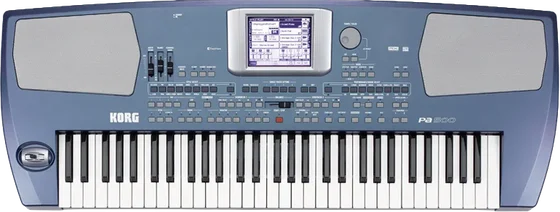 Pa500
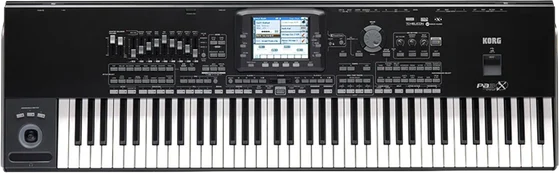 Pa3X
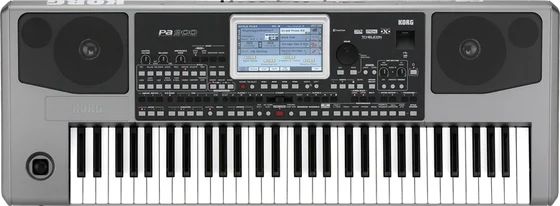 Pa900
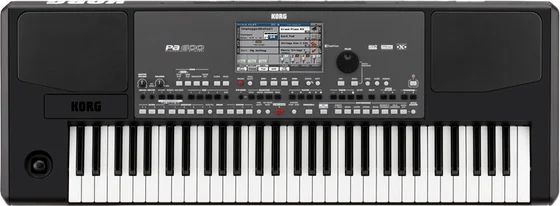 Pa600
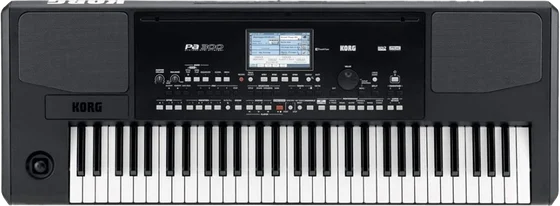 Pa300
- Pa4X
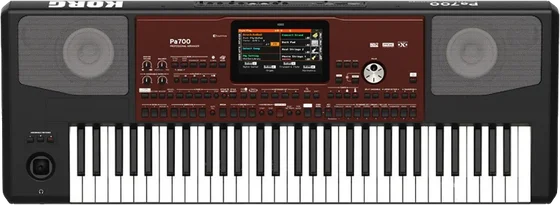 Pa700
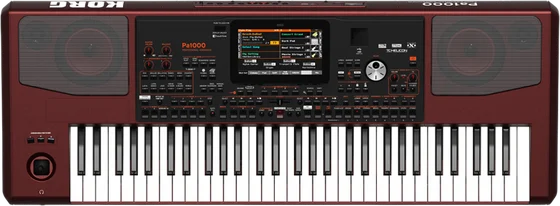 Pa1000
- Pa5X
The Pa80 generation (Pa80, Pa60, Pa55, Pa50) cannot be chosen as a target; Set Migrator does not write to these models.
Set Migrator questions.
Does my source SET/KST change?+
No. Set Migrator only reads the source SET/KST. The VALIDATE step also checks that the source has not changed.
What happens if the conversion is interrupted?+
The conversion is first written to a temporary folder. On ABORT or an error, nothing reaches the target. When writing to an existing SET/KST, a backup is taken first.
Do I have to convert the whole SET/KST?+
No. In the CONTENT step you choose the Styles, Performances, Pads, Sounds and Drum Kits to move. To transfer Styles by Style Element or Track, or to compile them from several SET/KSTs, use Set Commander.
Can I convert a protected (encrypted) SET?+
No. An encrypted set is shown with a lock in the SOURCE step and is not converted. If only some objects in a set are encrypted, they are counted and left behind; the rest can be migrated.
Be among the first to move to your new model.
Arrangium is not on sale yet. Leave your email on the home page and we will let you know at launch.
Get notified at launch 4 DECEMBER 2026 · WINDOWS 10 / 11